 ultimate-guide
Whole Home Uninterruptible Power Supply: 2026 Guide
Table of Contents
- What a Whole Home UPS Does (And What It Doesn't)
- How to Calculate Home Power Requirements Before You Buy
- UPS vs Standby Generator: Which Backup Fits Your Outage Pattern?
- Whole Home Battery Backup Cost: What Drives the Number
- Whole-Home vs Point-of-Use: Matching the UPS to the Load
- Permits, Electrical Code, and Smart Home Integration
- Battery Chemistry, Recycling, and Long-Term Maintenance
- Conclusion: Sizing the Right Backup for Your Home
- Frequently Asked Questions
Last Updated: October 4, 2026
What a Whole Home UPS Does (And What It Doesn't)
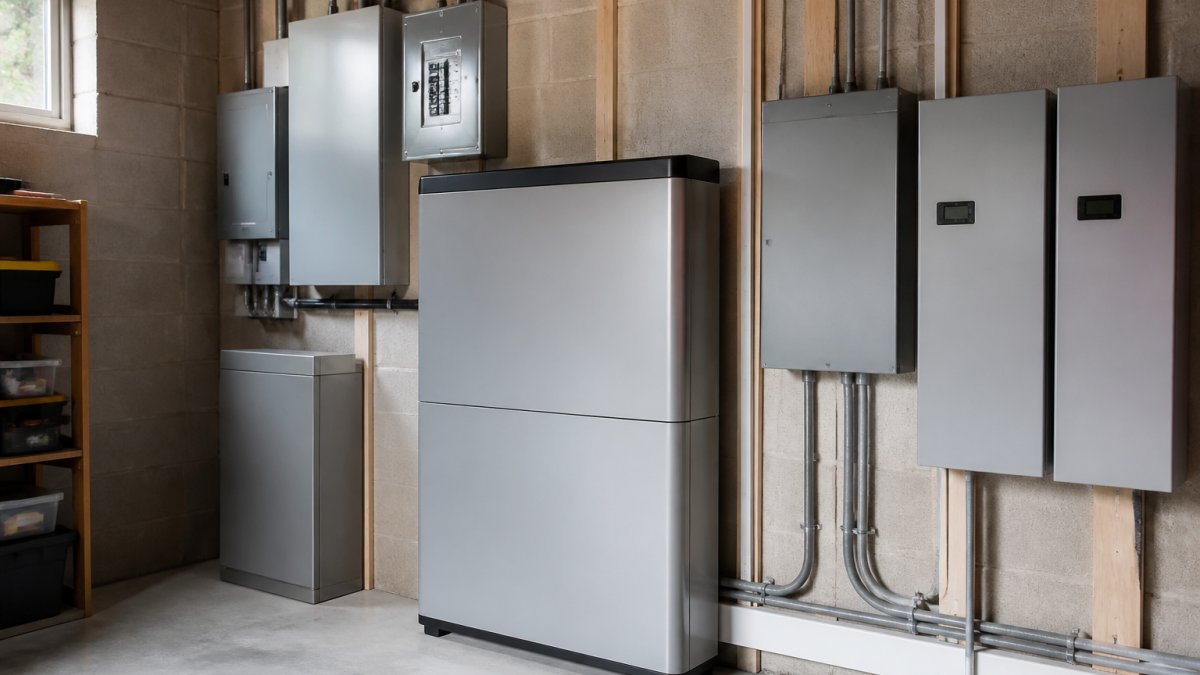
A whole home uninterruptible power supply is a battery-based system that keeps selected circuits energized the instant the grid drops, with no gap.
A whole home uninterruptible power supply reacts in milliseconds, carries your load for minutes to hours, and stays silent. A standby generator starts in seconds and runs indefinitely while fuel arrives.
What a UPS does not do: run central air for a week, power an electric range through a multi-day ice storm outage, or protect electronics from a direct lightning strike.
Standby, Line-Interactive, and Online Double-Conversion
The three UPS topologies differ in voltage regulation and transfer time.
Standby units pass utility power through and switch to battery only when voltage collapses. Transfer time is 8-12 milliseconds, fine for most electronics, but enough to reboot a sensitive server.
Line-interactive units add automatic voltage regulation, correcting brownouts and overvoltage without draining the battery, the sweet spot for most homes.
Online double-conversion units run the load off the inverter continuously, so transfer time is effectively zero and output is a pure sine wave.
| Type | Transfer Time | Voltage Regulation | Best For |
|---|---|---|---|
| Standby | 8-12 ms | None | Routers, modems, basic electronics |
| Line-interactive | 2-6 ms | Automatic | Home offices, networking, security systems |
| Online double-conversion | 0 ms | Continuous | Medical devices, servers, lab equipment |
How to Calculate Home Power Requirements Before You Buy
To calculate home power requirements, add the continuous wattage of everything you want to keep running, then separately total the peak wattage of motor-driven appliances, because starting current can be several times the running load.
Most homeowners count only what they think of as "essential." The furnace blower, well pump, sump pump, and garage door opener are what actually matter during an outage, and the ones people forget.
The process:
- List every circuit you want backed up.
- Find the nameplate wattage or volt-amperes on each device.
- Separate continuous loads from motor loads.
- Total continuous watts. This is your baseline.
- Total the largest single motor's peak watts. Add it to the baseline.
- Add 20-25% headroom for future loads.
Reading the Nameplate: Volt-Amperes, Watts, and Peak Power
Volt-amperes (VA) is apparent power, the raw capacity a UPS must supply. Watts is real power, what the device consumes. The ratio is the power factor, typically 0.6 to 1.0 for home electronics.
If a nameplate lists only VA, multiply by 0.7 to estimate watts; if only watts, divide by 0.7 to estimate the VA you need.
Peak power is the surge a motor draws in its first second. A refrigerator that runs at 200 watts can pull 1200 watts at compressor startup. Your UPS must handle the peak, not the running figure.
UPS vs Standby Generator: Which Backup Fits Your Outage Pattern?
The choice between a UPS and a standby generator comes down to outage duration, not frequency. A UPS wins on short interruptions, voltage regulation, and instant response; a generator wins on multi-day outages.
If your outages are two-second blips that reboot your router and corrupt your work, a UPS solves it completely.
The strongest setups combine both. The UPS catches the blip and bridges the gap while the generator spins up, then the generator carries the load and recharges the batteries. This architecture is often preferred by remote workers who cannot tolerate a dropped connection.
Compare the trade-offs directly:
| Factor | Whole Home UPS | Standby Generator |
|---|---|---|
| Response time | Milliseconds | Seconds |
| Runtime | Minutes to hours | Indefinite with fuel |
| Noise | Silent | Audible |
| Fuel required | None | Natural gas, propane, or diesel |
| Best for | Blips, brownouts, short outages | Extended outages |
Whole Home Battery Backup Cost: What Drives the Number
Whole home battery backup cost is driven by four variables: usable battery capacity in kilowatt-hours, the inverter's continuous and peak rating, the electrical work required to isolate backed-up circuits, and incentive eligibility.
Capacity is the biggest lever.
The second lever is the inverter.
The third lever is installation scope. A transfer switch, critical-load subpanel, conduit runs, disconnect, and permit fees all land in the quote.
The fourth lever is incentives, where the math changes fast.
| Cost Driver | What Moves the Number | Typical Impact |
|---|---|---|
| Usable capacity | kWh of storage | Largest single lever; roughly $1,000-$1,500 per installed kWh before incentives |
| Inverter size | Continuous and peak kW | Moderate; scales with motor loads |
| Electrical scope | Panel, subpanel, transfer gear, conduit | Can rival equipment cost on older homes |
| Incentives | Federal credit, state and utility rebates | Reduces net cost by 30% or more in many cases |
Pricing for Generators of Nashville by Evolution Electric's systems depends on capacity, inverter size, and site conditions. We do not publish flat rates because two houses on the same street can need very different scopes. Take our 60-second quiz for a free, personalized quote rather than guessing from a national average.
Whole-Home vs Point-of-Use: Matching the UPS to the Load
Whole-home and point-of-use UPS systems solve different problems, and picking the wrong one wastes money either way.
Take our 60-second quiz for a free quote today! →
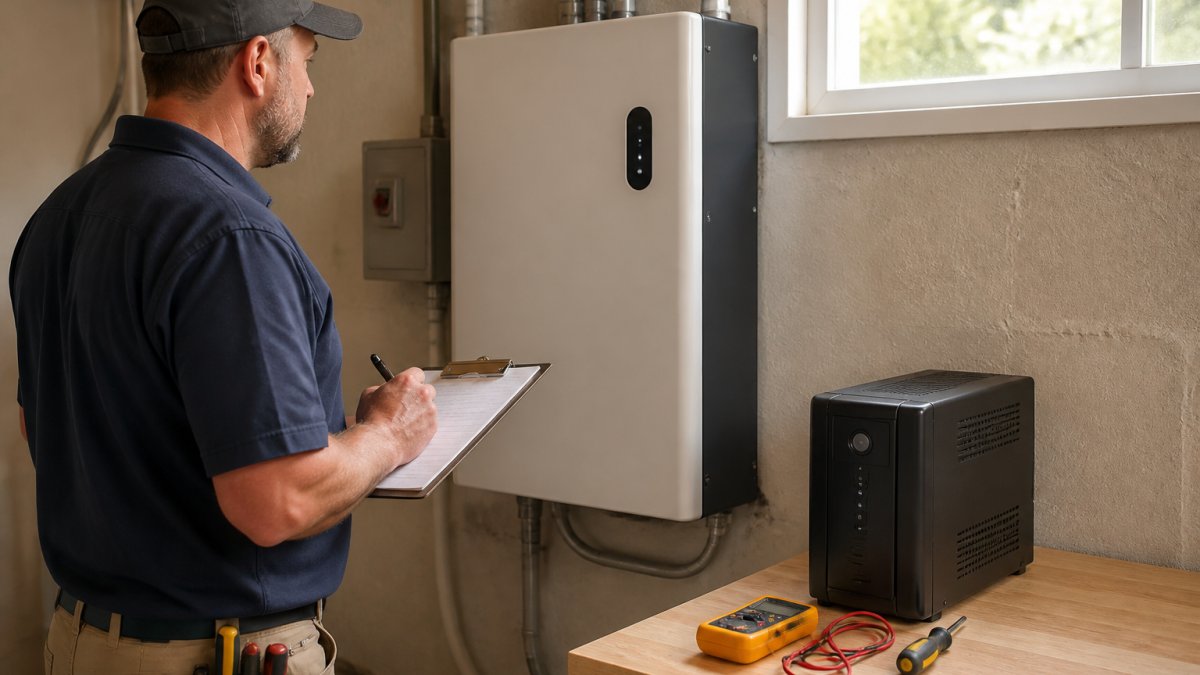
Point-of-use means a small unit under the desk, behind the TV, or in the network closet, protecting one or two devices for a few minutes.
Whole-home means a battery system tied into your electrical panel that energizes a defined set of circuits.
The middle path is a critical-load subpanel. You back up only the circuits that matter, which keeps battery capacity and cost down while still covering the loads that would otherwise force you out of the house.
Permits, Electrical Code, and Smart Home Integration
Battery backup installation is permitted electrical work governed by local rules.
Two code concepts matter most, and both live in Article 702 of the National Electrical Code, which covers optional standby systems.
First, transfer equipment must prevent the battery system from backfeeding the utility grid while line workers repair it, backfeeding has killed utility workers.
Second, backed-up circuits need proper overcurrent protection and disconnects.
Ask five questions before signing anything:
- Who pulls the permit, and is it included in the quote?
- Who is the licensed electrician of record, and what is their license number?
- What is the inspection sequence, rough-in, then final, and who schedules each?
- What happens at inspection if something fails, and who pays for the rework?
- Does the quote include the utility interconnection application if the system will export power?
The National Electrical Code overview from NFPA is the reference standard most jurisdictions adopt, though your local authority having jurisdiction sets the final requirements.
Smart Home Integration and Load Shedding
This is where most guides stop, and where a well-designed system earns its keep. Modern battery systems expose monitoring through an app and, increasingly, local APIs that integrate with home automation platforms.
Load-shedding logic lets a modest battery carry a house far longer than its raw capacity suggests. A 10 kWh battery running the whole house might last four hours; the same battery running only the furnace, well pump, refrigerator, and network gear can last a day or more. The difference is not more batteries, it is smarter control.
A few integration patterns worth knowing:
- Local API monitoring. Some inverters expose a local Modbus or REST endpoint, which lets a home automation hub poll state of charge, power flow, and fault codes without a cloud round-trip. This keeps working when the internet is down, which is exactly when you need it.
- Cloud integrations. Most manufacturers offer a cloud API or a native integration for major platforms. Convenient, but useless during an outage that takes your ISP with it.
- Dry-contact and relay outputs. Many inverters include programmable relay outputs that can trigger a generator start, a notification light, or a load-shedding contactor. This is the low-tech, high-reliability path.
- Time-of-use arbitrage. Where the utility offers time-of-use rates, the battery can charge overnight at the cheap rate and discharge during peak hours, offsetting its own cost even when the grid is up.
Battery Chemistry, Recycling, and Long-Term Maintenance
Lithium-ion batteries dominate new installations because they deliver more usable capacity per kilogram and tolerate deeper discharge cycles than lead-acid, which is cheaper upfront but heavier, shorter-lived, and needs more careful ventilation.
Chemistry affects more than price.
Maintenance is minimal on sealed lithium systems: keep vents clear, firmware updated, and watch the app for cell imbalance warnings. Lead-acid needs periodic terminal inspection and electrolyte checks on flooded types.
End-of-life matters too. Batteries are not disposable household waste. EPA guidance on lithium-ion battery recycling outlines why these cells should go to a dedicated recycler rather than a landfill, and most manufacturers run take-back programs.
Remote monitoring has changed maintenance more than anything else: continuous state-of-health reporting lets you replace a degrading module before it fails during the one outage you needed it for.
Conclusion: Sizing the Right Backup for Your Home
The hard part is not choosing a battery. It is honestly measuring what your house draws, deciding which circuits genuinely matter, and matching capacity to your real outage pattern instead of a worst-case fantasy.
That is the work Generators of Nashville by Evolution Electric does every day. Our licensed electricians have installed backup power across Middle Tennessee since 2014, including Generac generators, solar arrays, and battery systems from EcoFlow, Anker SOLIX, and Jackery.
Get started with Generators of Nashville by Evolution Electric and take our 60-second quiz for a free, personalized quote on a whole home uninterruptible power supply that actually carries your critical loads.
Frequently Asked Questions
What is the difference between a UPS and a home battery backup system?
A whole home UPS switches to battery power in milliseconds to keep electronics and medical devices running through brief outages and power blips. A home battery backup system stores more energy and can run larger loads like a refrigerator or HVAC for hours. Many homes combine both: a UPS for sensitive equipment and a battery system for extended runtime. The right mix depends on your outage length, load size, and whether you need seamless transfer or long-duration coverage.
Can a UPS handle high-draw appliances like HVAC and refrigerators?
Small point-of-use UPS units cannot start a central air conditioner or a full-size refrigerator because their surge draw exceeds the unit's peak power rating. A whole home UPS or battery backup sized for those loads can, but you need to account for locked rotor amps on the compressor and the continuous power rating of the inverter. A licensed electrician can measure your actual startup draw so the system is sized correctly instead of guessed.
Do I need a professional electrician to install a whole home UPS?
Yes. A whole home UPS ties into your main electrical panel, which means permits, a transfer switch or critical-load subpanel, and compliance with local electrical code. DIY installation risks voiding warranties, failing inspection, and creating a shock or fire hazard. Licensed electricians handle the load calculation, permit paperwork, and inspection so the system is safe and covered. Ask for proof of licensing and insurance before work begins.
How long can a whole home UPS keep the lights on during an outage?
Runtime depends on load size and battery capacity, not the UPS label alone. A system carrying only lights, internet, and a few outlets can run for many hours, while one carrying HVAC and a well pump may last under an hour. The math is straightforward: usable kilowatt-hours divided by continuous load in kilowatts equals runtime. Ask your installer for a runtime estimate at your actual critical load, not a best-case number.