 how-to
How to Troubleshoot EcoFlow Battery Connection Errors
Table of Contents
- Start Here: The Quick EcoFlow Battery Reset Sequence
- EcoFlow Battery Not Connecting to App: Pairing Fixes That Work
- EcoFlow Battery Wi-Fi Connection Troubleshooting for Home Networks
- EcoFlow Extra Battery Not Detected: Cable and Port Checks
- EcoFlow Battery Firmware Update: How to Run One Safely
- Common Mistakes to Avoid When Troubleshooting Connection Errors
- When to Call a Licensed Electrician or EcoFlow Support
- Conclusion
- Frequently Asked Questions
Last Updated: October 15, 2026
Start Here: The Quick EcoFlow Battery Reset Sequence
Most EcoFlow battery connection errors clear with a full power cycle, not a repair. If your unit won't pair, won't show data, or drops offline, run this sequence before you touch anything else.
Here's how to troubleshoot EcoFlow battery connection errors at home in five steps:
- Turn off the battery and unplug every cable.
- Wait a full 60 seconds. This lets the internal capacitors drain.
- Plug the main power cable back in until it clicks.
- Hold the power button for 10 seconds to force a restart.
- Open the app and re-add the device from scratch.
At Generators of Nashville by Evolution Electric, our licensed electricians install home battery systems across Middle Tennessee, and this reset solves the majority of calls we get about dropped connections. The reason is simple: a battery that lost its network handshake during an outage often can't rejoin on its own. Persistent communication failures sometimes indicate deeper configuration issues common to off-grid solar systems that require a more comprehensive diagnostic approach.
One note before you start. If your unit is hardwired into your home's electrical panel, do not open any cover plates. Call a licensed electrician instead.
EcoFlow official support and product documentation
EcoFlow Battery Not Connecting to App: Pairing Fixes That Work
An EcoFlow battery not connecting to app is usually a pairing problem, not a hardware failure. The fix takes about three minutes.
Work through these in order:
- Turn off Bluetooth on other phones nearby. Extra devices can block the pairing handshake.
- Delete the device from the app, then close the app completely.
- Enable location permissions for the app. Many phones need this to scan for nearby devices.
- Hold the battery's pairing button until the indicator light blinks.
- Re-add the device and let it sit for two minutes without touching it.
If the app still can't find the unit, try a second phone. If that phone pairs fine, the problem is your phone's settings, not the battery.
EcoFlow Battery Wi-Fi Connection Troubleshooting for Home Networks
Wi-Fi problems cause more EcoFlow battery connection errors than any other single issue. The battery is not the problem in most cases. Your router settings are.
Check Band, Signal, and Router Settings
Most home batteries only connect to a 2.4 GHz network. If your router broadcasts one combined network name for both bands, the battery can get confused.
Try these fixes:
- Split your 2.4 GHz and 5 GHz networks into separate names in your router settings.
- Connect the battery to the 2.4 GHz network only.
- Move the battery or add a mesh node if signal is weak.
- Check that your router isn't blocking new devices through MAC filtering.
- Confirm the network password has no special characters that the app misreads.
A common mistake is testing the connection from the far side of the house. Stand next to the unit while you set it up, then move away once it's connected.
When the App Says "Connected" but Data Won't Load
A "connected" status with no live data almost always means a cloud sync issue, not a local one. The battery is talking to your router, but the data isn't reaching the app servers.
- Force-close the app and reopen it.
- Log out and back in.
- Check whether your internet is actually up on another device.
- Wait 10 minutes. Server sync delays clear on their own.
If the data still won't load after that, the issue is on the account side. Contact support with your device serial number ready.
EcoFlow Extra Battery Not Detected: Cable and Port Checks
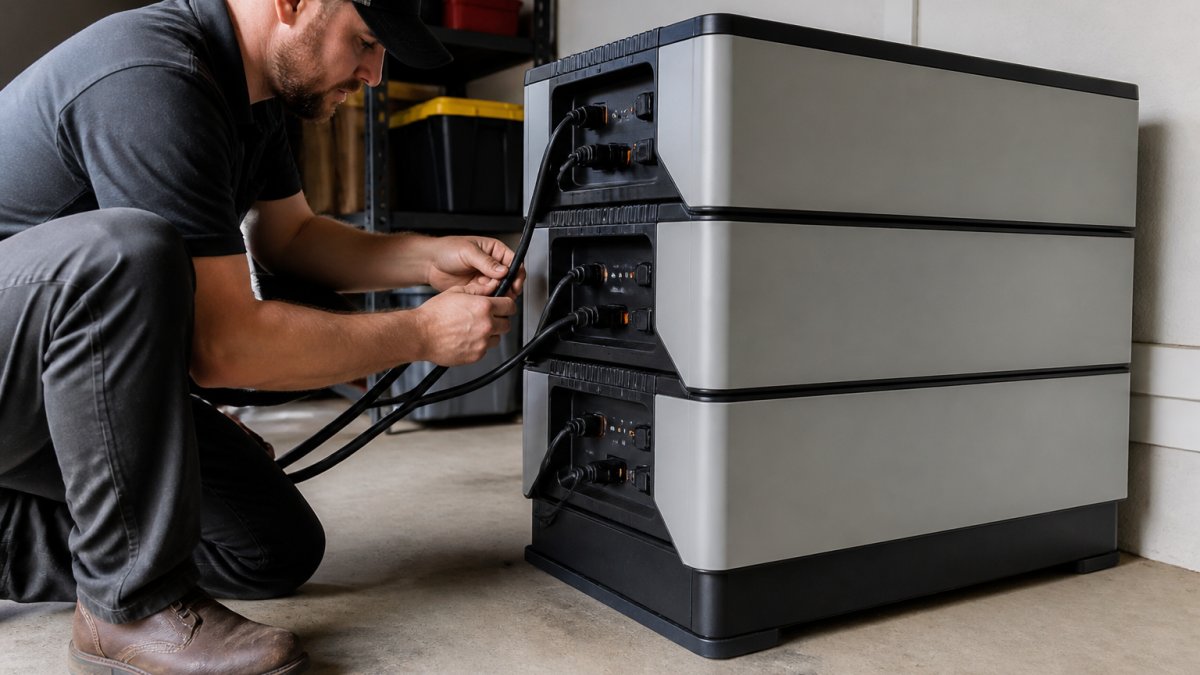
An EcoFlow extra battery not detected is nearly always a cable or port fault. Check the physical connection before you assume the unit failed.
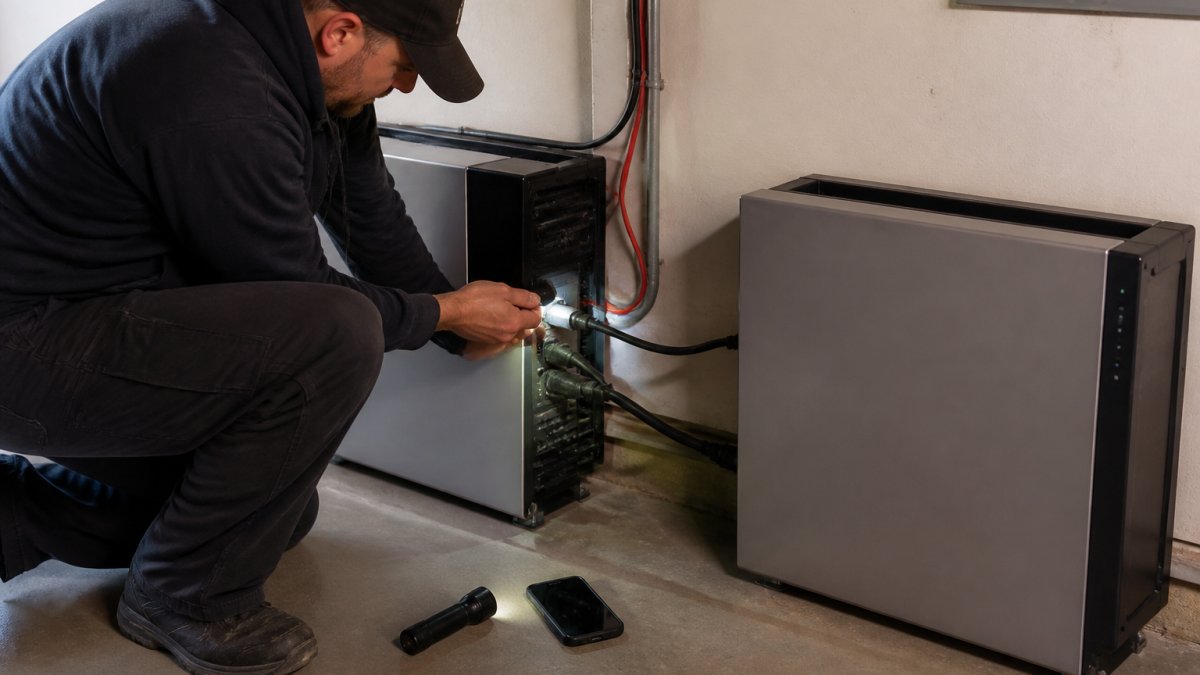
Inspect these in order:
- Look for bent or pushed-in pins inside both connectors.
- Check for corrosion or moisture on the metal contacts.
- Reseat the cable firmly until you feel or hear it lock.
- Try a different port if your unit has more than one.
- Swap in a spare cable if you have one to test with.
The thing nobody tells you about these cables is how easily the locking tab wears out. A cable that clicks into place but wiggles slightly can still fail to carry data. If the tab feels loose, replace the cable.
EcoFlow Battery Firmware Update: How to Run One Safely
Firmware fixes many connection bugs, but a failed update can leave the unit stuck. Run updates only when the battery is stable.
Before you start:
- Plug the unit into a wall outlet. Do not update on battery power alone.
- Stay on a steady Wi-Fi network.
- Keep the app open and your phone near the unit.
- Avoid updating during a storm or a known outage risk.
Start the update and leave it alone. The unit may restart on its own. Do not unplug anything mid-update.
Take our 60-second quiz for a free quote today! →
Firmware Update Won't Complete: What to Do Next
A stalled update needs patience before action. Wait a full 15 minutes past the expected finish time.
If it's still stuck:
- Force-close the app and reopen it to check status.
- Power cycle the unit with the 60-second reset from the top of this guide.
- Reconnect to Wi-Fi and retry once.
If the second attempt fails, stop. Repeated failed updates can corrupt the firmware. That's a support call, not a DIY fix.
U.S. Department of Energy guidance on home energy storage safety
Common Mistakes to Avoid When Troubleshooting Connection Errors
The biggest mistake is assuming the battery is broken when the network is. Most connection errors trace back to Wi-Fi, pairing, or a worn cable.
Watch for these:
| Mistake | What It Causes | The Fix |
|---|---|---|
| Skipping the 60-second reset | Stale network handshake | Full power cycle first |
| Using the 5 GHz band | Battery never joins | Switch to 2.4 GHz |
| Re-pairing nonstop | Pairing mode locks | Wait 5 minutes between tries |
| Ignoring a loose cable | Extra battery not detected | Reseat or replace cable |
| Updating on battery power | Failed firmware update | Plug into wall first |
One more: don't stack troubleshooting steps. Change one thing, test it, then move on. Changing five settings at once means you'll never know which one worked.
When to Call a Licensed Electrician or EcoFlow Support
Call a professional when the problem leaves the app and enters your home's wiring. That's the line between a software fix and a safety issue.
Reach out to a licensed electrician if:
- The unit is hardwired to your electrical panel.
- You smell burning or see scorch marks.
- A breaker trips when the battery kicks on.
- The unit won't power your home at all.
Contact the manufacturer's support for firmware corruption, warranty claims, or a unit that fails every reset.
At Generators of Nashville by Evolution Electric, our licensed electricians have handled home battery installs since 2014, and we've seen how often a "dead" battery is really a wiring or network problem. If your system needs a professional eye, we can help.
National Fire Protection Association electrical safety resources
Conclusion
Connection errors are frustrating, but most of them never require a repair. A full reset, a 2.4 GHz network, and a firm cable connection solve the vast majority of cases.
When the problem goes past the app and into your panel, that's our territory. Generators of Nashville by Evolution Electric installs and services EcoFlow, Anker SOLIX, and Jackery battery systems, backed by licensed electricians and a free quote process. We'll diagnose the issue and get your backup power running the way it should.
Take our 60-second quiz for a free quote today.
Frequently Asked Questions
Why is my EcoFlow battery not connecting to the app?
The most common causes are a Bluetooth pairing that dropped, the battery being out of range, or the app running an outdated version. Turn Bluetooth on your phone off and back on, force-close the app, and re-pair within a few feet of the unit. If the EcoFlow battery still won't appear, check that no other phone is already connected to it. One device at a time is usually the limit, so disconnect other devices before trying again.
How do I reconnect my EcoFlow battery to Wi-Fi?
Open the app, go to the device settings, and remove the saved network. Then re-add it and enter your Wi-Fi password again. EcoFlow battery Wi-Fi connection troubleshooting usually comes down to band and signal: most units only join 2.4 GHz networks, so a 5 GHz-only router or a combined SSID can block the connection. Move the battery closer to the router during setup, then relocate it once the network is saved.
What should I check if my EcoFlow extra battery is not detected?
Start with the physical connection. Power down both units, unplug the battery cable at both ends, and look for bent pins, debris, or a loose fit. Reconnect firmly until it clicks or seats fully, then power the main unit back on and give it a minute to register. If the EcoFlow extra battery still isn't detected, try the cable on a different port if your model has one, and confirm the extra battery is the correct model for your unit.
Can a firmware update fix EcoFlow connection errors?
Often, yes. Manufacturers release EcoFlow battery firmware updates to fix pairing bugs, Wi-Fi dropouts, and extra battery detection issues. Run the update through the app while the unit is plugged into a stable power source and your phone stays within a few feet. Don't close the app or walk away mid-update. If the update stalls, restart the app and the battery, then try again before contacting support.