 how-to
Anker SOLIX X1 Installation Requirements: 2026 Guide
Table of Contents
- Anker SOLIX X1 Installation Requirements at a Glance
- Anker SOLIX X1 Installation Manual: What It Covers and Why It Governs the Job
- Anker SOLIX X1 Clearance Requirements and Mounting Options
- Anker SOLIX X1 Indoor Outdoor Installation: Site and Environmental Rules
- Anker SOLIX X1 Electrical Requirements and Wiring
- Permits, Grid Connection, and Commissioning
- Installation Time, Tools, and Workforce Planning
- Frequently Asked Questions
Last Updated: October 19, 2026
Anker SOLIX X1 Installation Requirements at a Glance
The Anker SOLIX X1 installation requirements come down to three things: a suitable mounting surface, a clear electrical path to your main panel, and a licensed electrician who follows the manufacturer's manual exactly. Get those right and the job moves fast.
We install these systems across Middle Tennessee, and we've learned where homeowners get tripped up before the first bracket goes on the wall.
System Components and Module Identification
A battery module is the storage unit that holds energy, and a power module is the unit that converts and manages that energy. Together they form the core of a hybrid energy storage system.
Before installation, confirm what's in the boxes:
- Battery modules, matched to your planned capacity in kilowatt-hours
- The power module or hybrid inverter
- Mounting brackets and hardware
- Communication cables and conduit fittings
- The installer manual and user guide
Check the product model number on every carton. Mixed generations cause configuration errors later.
Pre-Installation Checklist
Run this list before the crew arrives. It saves hours on install day.
- Confirm the model number and quantity of battery and power modules
- Verify the mounting surface is structurally sound
- Measure available wall or floor space against clearance requirements
- Check main panel capacity and available breaker slots
- Confirm internet access for monitoring
- Pull the electrical permit
- Review the manual's site and environmental limits
- Clear the work area and path for equipment
Anker SOLIX X1 Installation Manual: What It Covers and Why It Governs the Job
The installer manual is the controlling document for the entire job. It tells you the torque specs, wire gauges, clearances, and stacking limits for your exact model. Local code sets the legal floor. The manual sets the manufacturer's requirements on top of it.
That distinction matters. An inspector checks code. The manufacturer checks the manual when a warranty claim comes in. Skip a clearance or a stacking limit and you can lose coverage.
The manual typically covers:
- Unboxing and component identification
- Site and environmental requirements
- Mounting configuration options
- Electrical connection and wiring diagrams
- Battery stacking limits and stack height
- Commissioning, startup, and system testing
- Battery removal and replacement procedure
Anker SOLIX X1 Clearance Requirements and Mounting Options
Clearance requirements exist for airflow, heat dissipation, and service access. The manual specifies minimum distances to walls, ceilings, and adjacent equipment for each mounting configuration. Follow those numbers, not a general rule of thumb.
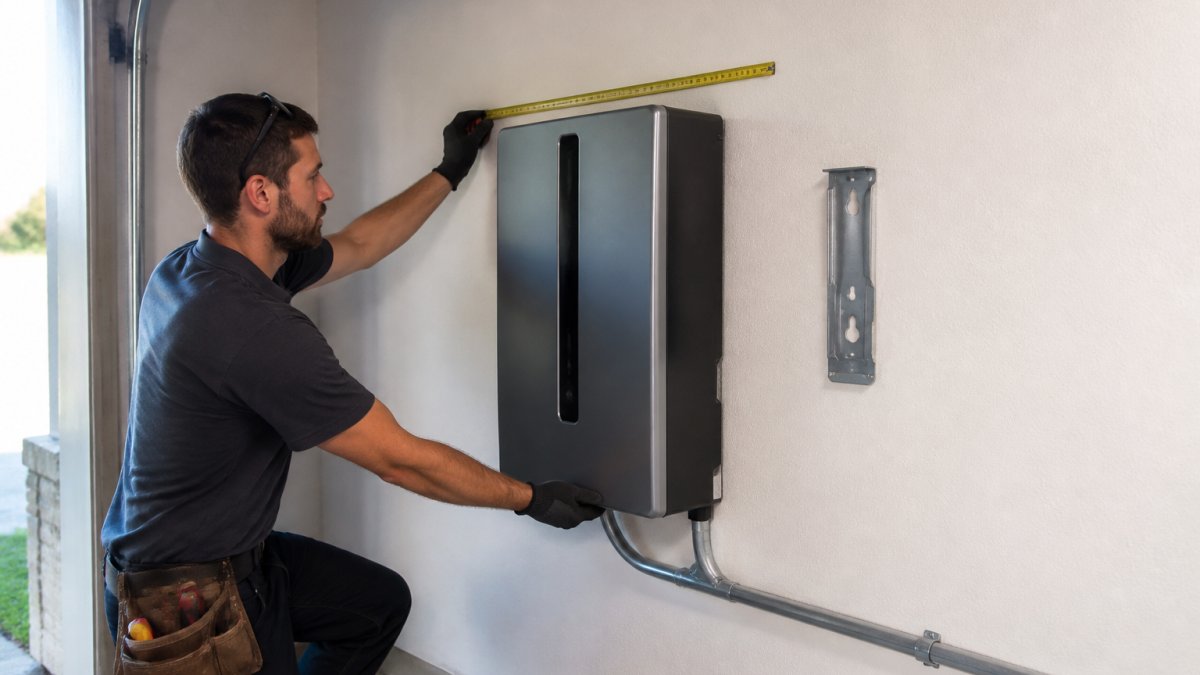
Airflow matters most. Batteries generate heat during charge and discharge cycles, and restricted airflow shortens their life.
Floor Mounting vs Wall Mounting
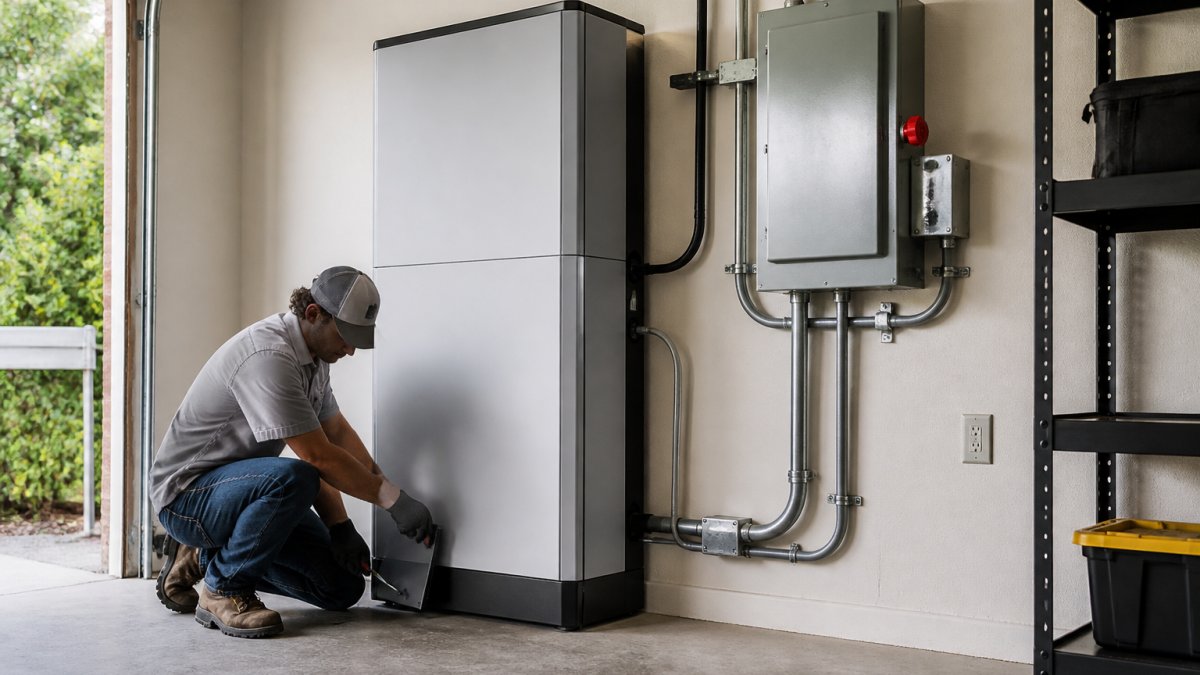
Floor mounting suits heavier stacks and garages with solid slabs. Wall mounting saves floor space but demands a mounting surface rated for the full weight of the stack.
| Configuration | Best For | Key Check |
|---|---|---|
| Floor mount | Taller battery stacks, garages | Level, load-rated slab |
| Wall mount | Tight floor space, clean walls | Stud or masonry rating |
Both options need the same clearance and service access. Choose based on structure, not preference.
Anker SOLIX X1 Indoor Outdoor Installation: Site and Environmental Rules
Indoor installation is the simpler path. The space stays dry, temperatures are stable, and service access is easy. Outdoor installation works, but the unit needs protection from direct rain, standing water, and extreme heat. Strategic placement of these battery units often coincides with the electrical infrastructure necessary for a home EV charger installation.
Check these before you commit to a location:
- Ambient temperature range within the manual's limits
- No standing water or flood risk at the mounting height
- Shade from afternoon sun
- Ventilation adequate for heat dissipation
- Distance from flammable materials
Battery Stacking Limits and Stack Height
Every model has a maximum number of battery modules per stack. Exceed it and you risk structural and thermal problems the manual warns against. Stack height also has a ceiling, and it's tied to the mounting configuration.
Confirm both numbers in the manual for your exact model before ordering modules. Adding capacity later means matching the same type and number of modules already in the stack.
Take our 60-second quiz for a free quote today! →
Anker SOLIX X1 Electrical Requirements and Wiring
The electrical side is where licensed work is non-negotiable. Wiring errors cause failures, and they cause fires. The manual's wiring diagrams govern the connection sequence, conductor sizing, and breaker requirements, but before anyone opens a panel, you need to confirm the home's electrical service can actually support the system.
Service and Compatibility Checks Before You Order
Run these checks during the site assessment, not on install day:
- Confirm supply phase. Most homes have single-phase 120/240V service; some larger properties and light commercial buildings have three-phase. The system configuration, wiring, and inverter setup differ between the two, so confirm the service type before ordering equipment.
- Verify main service capacity. Add up the existing load and confirm the panel's busbar rating and main breaker leave room for the battery system's backfeed. A load calculation per the National Electrical Code (NFPA 70) is the standard method.
- Check available breaker space. The system needs dedicated breaker slots for the backup panel and the inverter connection. A full panel means a subpanel or a panel upgrade, which changes the schedule and the budget.
- Identify protection devices. Confirm the main panel has the required overcurrent protection and that the system's disconnect and rapid-shutdown requirements can be met at the chosen location.
- Map backup circuits. Decide which circuits the system will carry during an outage, typically the refrigerator, furnace blower, well pump, internet, and a few lighting circuits. Confirm those circuits can be moved to a backup panel without exceeding the system's output.
- Check grounding and bonding. The main service grounding electrode system must be intact and accessible; the manual's wiring diagrams specify how the system bonds to it.
Wiring and Connection Requirements
Once compatibility is confirmed, the electrician will check:
- Conductor sizing per the manual and local code
- Grounding and bonding at the system disconnect
- Disconnect and rapid-shutdown requirements
- Conduit routing and physical protection
- Torque values on every termination, per the manual
Single-Phase vs Three-Phase Configuration
Most homes run single-phase service, and that is the standard configuration for residential backup. Three-phase service appears in some larger properties and light commercial settings. The system configuration, wiring, and inverter setup differ between the two. Confirm your service type before ordering, it changes the equipment and the installation sequence, and a mismatch discovered after delivery is an expensive return.
Permits, Grid Connection, and Commissioning
A permit is required for residential battery storage in most jurisdictions, and the utility may need a separate application for grid connection. This is the part of the project competitors gloss over, and it is where timelines slip. Your installer should handle both, but you should know what is being filed and who signs off.
Permits and Approvals
- Electrical permit. Pulled from the local building department; the inspection happens after installation and before the system is energized.
- Utility interconnection application. Required when the system will export to the grid or operate in parallel with it. The utility reviews the application against its interconnection rules and may require a visible disconnect or a specific meter.
- Homeowners association or historic-district approval. Some neighborhoods require approval for exterior equipment, conduit runs, or the mounting location.
- Building permit. Required in some jurisdictions when the installation involves structural mounting or a panel upgrade.
Ask who pulls each permit and who signs off with the utility before work starts. A common pattern is that the utility review, not the physical install, is the longest wait in the whole process.
Commissioning Tests and Verification
Commissioning follows a set sequence, and each step should be documented:
- Visual inspection of all connections and conduit
- Torque verification on terminations, per the manual
- Insulation resistance and grounding checks
- Startup per the manual, including firmware confirmation
- System testing, including a simulated grid outage to confirm backup transfer
- Monitoring setup and a user walkthrough of the app
Monitoring, Fault Indicators, and Escalation
After commissioning, confirm the monitoring app shows live production and battery state of charge. Know the fault indicators: a solid red status light typically means a system fault that requires the installer, while a flashing light often indicates a communication issue that can be resolved remotely.
At Generators of Nashville by Evolution Electric, our licensed electricians manage the permit, the utility coordination, and the commissioning checklist so nothing gets missed between steps. We have handled these approvals since 2014.
Installation Time, Tools, and Workforce Planning
Most residential installs take one to two days, depending on stack size, conduit runs, and panel work.
Plan for:
- Tools: torque wrench, conduit bender, multimeter, insulation tester, level, drill
- Workforce: at least two people for module handling and mounting
- Access: clear path for equipment and ladders
The hard part of a battery install isn't the hardware. It's the permits, the panel compatibility, and the commissioning sequence that has to be right the first time.
Generators of Nashville by Evolution Electric handles the full job: licensed electricians, permit and utility coordination, and commissioning backed by our work since 2014.
Take our 60-second quiz for a free, personalized quote and find out what your home actually needs.
Frequently Asked Questions
What are the installation requirements for the Anker SOLIX X1?
The Anker SOLIX X1 needs a level, structurally sound mounting surface, the clearances listed in the installation manual, and a dedicated circuit run by a licensed electrician. You also need a compatible hybrid inverter, properly sized battery modules, and a permitted interconnection if you want grid-tied backup. Anker's manual specifies the exact torque values, wire gauges, and stacking limits for each model, so confirm those numbers against the documentation shipped with your unit before work starts.
Can the Anker SOLIX X1 be installed indoors or outdoors?
Both configurations are possible, but the rules differ. Indoor placement in a garage or utility room keeps the unit out of weather and simplifies service access, while outdoor placement needs a location shielded from direct sun, standing water, and snow accumulation. Check the manual's environmental rating for your specific model and keep the unit within the listed temperature range. In Middle Tennessee, garage mounting is common because it avoids ice and summer heat swings.
Does an electrician need to install the Anker SOLIX X1?
Yes, for any grid-connected setup. The work involves 240V circuit connections, possible main panel upgrades, and a utility interconnection agreement, all of which require a licensed electrician and usually a permit. Battery removal and replacement also involve DC voltage that is unsafe to handle without training. A licensed installer also handles the inspection sign-off that keeps your homeowner's insurance and warranty intact.
How many Anker SOLIX X1 battery modules can be installed together?
The number of battery modules per stack is capped by the model's stacking limit, which the installation manual states explicitly. Exceeding that limit affects structural loading, ventilation, and the inverter's charge management. If you need more capacity than one stack allows, the answer is a second stack or a larger configuration, not extra modules on the same frame. Your installer should confirm the limit for your exact model before ordering equipment.