 how-to
Choosing Backup Power for Remote Work: A 2026 Guide
Table of Contents
- Why Your Home Office Needs a Dedicated Backup Power Plan
- UPS Battery Backup for Home Office: The First Line of Defense
- Calculating Home Office Power Requirements: A Simple Method
- Estimating Backup Power Runtime for Remote Work Sessions
- Comparing UPS Units vs. Portable Power Stations for Desk Setup
- Step-by-Step Guide to Choosing the Right Backup System
- Common Mistakes to Avoid When Planning Your Setup
- Final Checklist for Uninterrupted Remote Work
- Frequently Asked Questions
Last Updated: September 9, 2026
Why Your Home Office Needs a Dedicated Backup Power Plan
A single unexpected outage can interrupt a client call, corrupt an unsaved file, or drop your internet connection right before a deadline. For remote workers, backup power is professional infrastructure that protects your income and your reputation.
Your router, modem, and external monitor all die the moment the grid goes down. This guide walks through choosing backup power for remote work, from calculating wattage to deciding between battery units and generators.
UPS Battery Backup for Home Office: The First Line of Defense
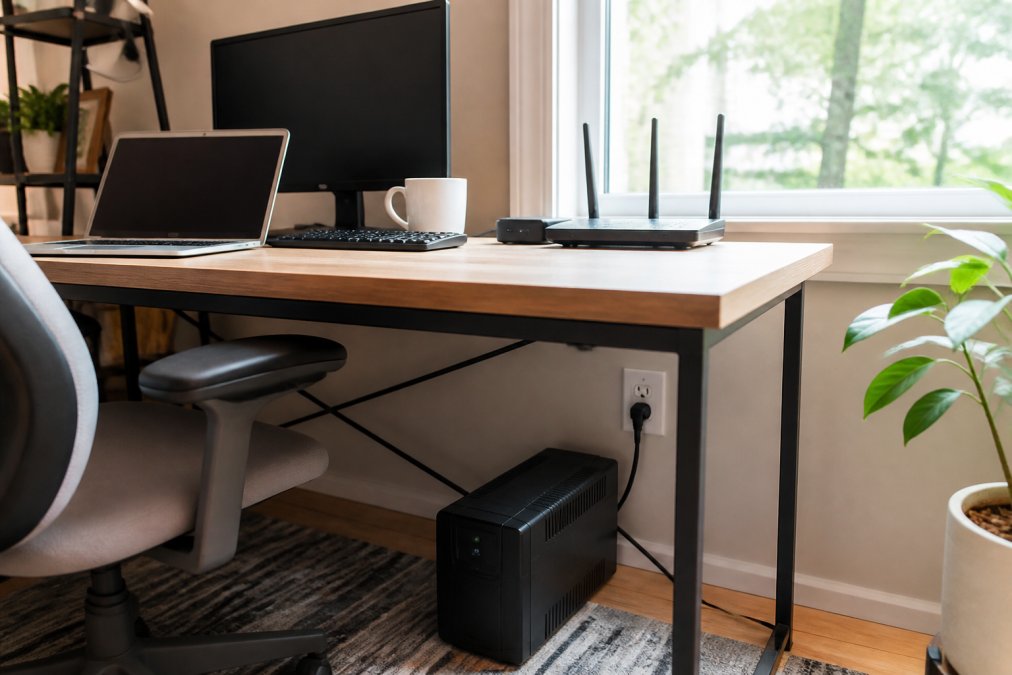
A UPS battery backup for home office setups is the most important purchase for outage resilience. A UPS sits between your wall outlet and your equipment, providing instant battery power when the utility fails. Unlike a surge protector, which only absorbs voltage spikes, a UPS keeps your devices running through brief interruptions.
Watt-hours (Wh) measure total battery capacity, while watts measure instantaneous power. A typical desktop and monitor draw 200 to 400 watts combined, so a UPS rated for 900 watts provides comfortable headroom (energy.gov). For most home offices, a UPS rated between 700 and 1500 volt-amperes handles essential gear.
Understanding VA vs. Watts on UPS Ratings
UPS units are often rated in volt-amperes (VA) rather than watts. Watts equal VA multiplied by the power factor, typically 0.6 to 0.7 for consumer units, so a 1000 VA UPS delivers roughly 600 to 700 watts. Always check the watt rating, not just the VA number; a 1500 VA unit actually delivers closer to 900 watts.
Matching UPS Topology to Your Equipment
UPS units come in three designs. Standby units, the most common and affordable, switch to battery within 8 to 12 milliseconds, fast enough for laptops, routers, and most monitors (ieee.org). Line-interactive units add automatic voltage regulation, correcting undervoltage and overvoltage without switching to battery. Double-conversion units provide zero transfer time and the cleanest output, but cost more and generate more heat and noise.
For a home office, a line-interactive UPS with pure sine wave output offers the best balance of protection and value. Pure sine wave output matters for sensitive electronics like high-end laptops with GaN chargers and newer monitors. Modified sine wave output can cause buzzing in audio equipment and erratic behavior in some power adapters.
Real-World UPS Sizing Examples
Consider three common setups. A minimalist laptop setup (65 W charger, 24-inch monitor at 35 W, router/modem at 20 W) totals 120 W; a 700 VA (420 W) UPS provides over three hours. A desktop setup (350 W tower, 27-inch monitor at 45 W, networking at 25 W) totals 420 W, requiring a 1000 VA (600 W) unit for about 90 minutes. A power user (500 W workstation, dual 32-inch monitors at 60 W each, router and modem at 30 W) totals 650 W, needing a 1500 VA (900 W) UPS for roughly 45 minutes, enough to save work and shut down.
UPS Features That Matter for Remote Workers
Look for three features. First, USB or network connectivity for automatic safe shutdown when battery runs low. Second, replaceable batteries, since a UPS battery lasts three to five years. Third, multiple outlet types, including always-on outlets for networking gear and switched outlets for peripherals you want to power down to extend runtime.
Brands that perform well include APC by Schneider Electric, CyberPower, and Tripp Lite. APC's Back-UPS Pro line starts around $150 for 900 VA. CyberPower's CP1500PFCLCD provides 1500 VA with pure sine wave output for around $200. Tripp Lite's SMART1500LCDT offers similar specs with a smaller footprint.
Calculating Home Office Power Requirements: A Simple Method
Calculating home office power requirements starts with a ten-minute device audit. Note the wattage of every piece of equipment you need during an outage; this number is printed on the power adapter or listed in the manual.
The essential list includes your laptop or desktop, one or two monitors, the router, and the modem. Add the wattages together, then multiply by 1.25 for a safety margin. That figure is the minimum continuous output your backup system must provide.
| Device | Typical Draw | Essential During Outage |
|---|---|---|
| Laptop | 60-90 W | Yes |
| Desktop computer | 200-400 W | Yes |
| 24-inch monitor | 30-50 W | Yes |
| Router and modem | 15-30 W | Yes |
| Desk lamp (LED) | 10-15 W | Optional |
| Laser printer | 500 W surge | No |
Estimating Backup Power Runtime for Remote Work Sessions
Backup power runtime depends on the relationship between battery capacity and load. A 1000 Wh battery powering a 200 W load runs for roughly five hours; double the load to 400 W, and runtime drops to about two and a half hours. Divide watt-hours by watts for approximate runtime.
Most outages that interrupt a workday resolve within two to four hours. A battery system sized for that window covers the vast majority of events. For longer outages, a battery system keeps your internet and laptop running while you decide whether to start a generator. A unit sized for six hours covers nearly every scenario.
Comparing UPS Units vs. Portable Power Stations for Desk Setup
The main decision is a traditional UPS versus a portable power station. A UPS provides instant, seamless transfer in milliseconds, making it right for desktops that cannot tolerate interruption. Portable power stations switch over in a fraction of a second, which is fine for laptops and routers but may cause a desktop to reboot.
Portable power stations use lithium-ion or lithium iron phosphate batteries, weigh less for their capacity, and include USB-C, AC, and DC output. Many accept solar panel input. The trade-off is cost per watt-hour, which runs higher than a comparably sized UPS.
For most remote workers, the practical answer is both. A smaller UPS protects the desktop and router from brief blips, while a portable power station handles longer outages and keeps other devices charged. This layered approach covers weekly short interruptions and yearly long outages.
Step-by-Step Guide to Choosing the Right Backup System
The right backup system starts with a clear inventory of what must keep running. Work through these steps in order to arrive at a system sized for your actual needs.
Step 1: List Your Essential Devices
Write down every device you need to stay productive and connected, typically the computer, router, modem, and one monitor. Add the wattage for each from the power adapter label, then total.
Take our 60-second quiz for a free quote today! →
Step 2: Prioritize Internet and Router Connectivity
Internet connectivity backup is the step most guides miss. Your computer can run on battery all day, but if the router is dark, you are still offline. Assign your router and modem the highest priority, since keeping the connection alive matters more than a second monitor.
Step 3: Decide Between Battery vs. Generator
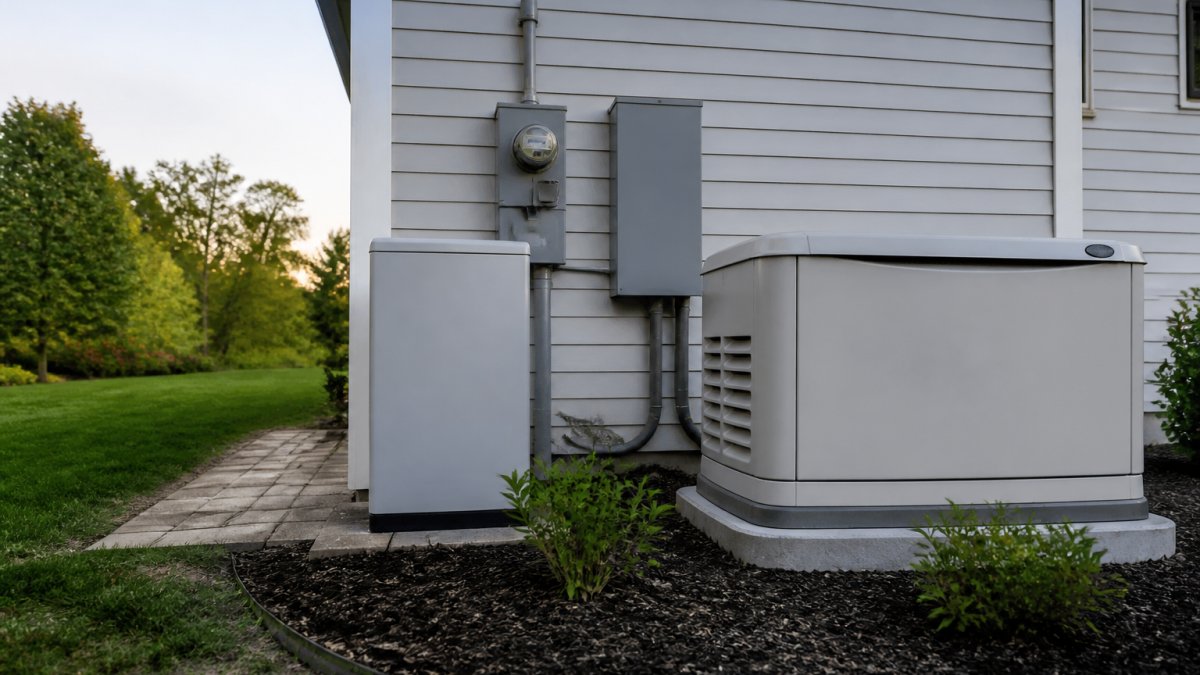
Battery systems handle most outages silently and without fuel. A standby generator provides whole-home coverage for extended events. If your work requires continuous power through multi-day outages, a generator is the dependable answer. Generators of Nashville by Evolution Electric installs both Generac standby units and home battery systems from EcoFlow, Anker SOLIX, and Jackery.
Step 4: Design Your Internet Failover Chain
A complete internet backup strategy has three layers. The first is powering your modem and router with a UPS or battery station. The second is cellular failover, which kicks in when your wired connection goes down. The third is a backup power source for that cellular failover, since a hotspot is useless with a dead battery.
For the first layer, a dedicated small UPS for networking gear is often the smartest investment. A router and modem combo draws only 15 to 30 watts, so a compact 500 VA UPS provides four to six hours of runtime for networking equipment alone, letting you conserve your larger battery station for your laptop and monitor.
For the second layer, consider a cellular modem or hotspot with a data plan. Major carriers offer prepaid hotspot plans starting around $10 per month for 10 GB. Some remote workers keep an older smartphone with a SIM card as a dedicated failover device, using USB tethering.
For the third layer, ensure your failover device has its own power source. A 20,000 mAh power bank provides roughly 10 hours of hotspot operation and costs under $50. Your internet failover chain is only as strong as its weakest link, a powered router with no connection is as useless as a connection with no power.
Step 5: Consider DC-to-DC Power for Networking Gear
Most routers and modems use an external AC adapter that converts wall power to 12V or 5V DC. Running that through a battery station wastes energy converting DC to AC and back. A DC-to-DC adapter connects your router directly to a 12V battery or a portable power station's DC output, eliminating double conversion loss and extending runtime by 15 to 25 percent.
Several portable power stations include a 12V DC barrel output or car cigarette lighter socket that can power networking gear directly. Companies like Mean Well sell 12V-to-12V and 12V-to-5V converters with the correct barrel connectors. Check your router's adapter label for input voltage and connector size, then match it to a compatible DC cable. This approach is more technical, but the extended runtime justifies the effort for frequent multi-hour outages.
Step 6: Test Your Full Setup Before You Need It
Once configured, run a full simulation. Trip the breaker that feeds your office circuit, then verify your router, modem, laptop, and monitor switch over and function normally. Time how long your battery system lasts under real load, not the theoretical runtime. Test your cellular failover by unplugging your modem's Ethernet cable. Finally, verify your VPN client reconnects automatically. A 30-minute test now prevents a panicked scramble during the next real outage.
Common Mistakes to Avoid When Planning Your Setup
The most common mistake is undersizing the battery based on laptop draw alone. People forget the router, modem, and monitor, then discover their system dies after ninety minutes instead of four hours. Always calculate the full desk load.
Another error is ignoring power quality. Desktop computers and network equipment prefer clean power, and a UPS with pure sine wave output protects against voltage regulation issues. Built-in surge protection guards against spikes that often accompany outages.
A third mistake is planning for the outage but not the recovery. When power returns, it can surge and damage equipment that survived the blackout. Keep your backup system between the wall and your devices at all times so surge protection is always active.
Final Checklist for Uninterrupted Remote Work
Before the next storm, confirm your total essential wattage and that your backup system exceeds it by at least 25 percent. Verify your router and modem are connected to the backup unit, not just your computer. Test the system by unplugging the primary power source and confirming everything switches over.
Check that your battery system holds a charge and consider how you will recharge it during a multi-day event; solar input or a generator plan both work. Schedule a professional review if you rely on power for your livelihood. Generators of Nashville by Evolution Electric has served Middle Tennessee homeowners since 2014, handling everything from a UPS recommendation to a full Generac installation with permits and code compliance handled for you.
Choosing backup power for remote work comes down to understanding your actual load, your outage history, and the difference between a quick blip and a multi-day event. Battery systems handle short events cleanly, while standby generators carry you through extended outages. If you are unsure which solution fits, take our 60-second quiz for a free, personalized quote.
Frequently Asked Questions
How long will a 1000VA UPS last for a laptop and monitor?
A 1000VA UPS typically provides about 600W of power. For a standard laptop (60W) and a 24-inch monitor (30W), you're drawing roughly 90W. This setup would give you approximately 10-15 minutes of runtime, which is enough to save your work and shut down safely. If you need longer runtime for continued work, consider a higher-capacity unit measured in watt-hours (Wh) or a portable power station.
What is the difference between a UPS and a portable power station for remote work?
A UPS battery backup for home office use provides instant power during brief outages, protecting against data loss and hardware damage. Portable power stations offer more capacity for extended blackouts but lack the automatic transfer switch that keeps your devices running without a flicker. For remote work, a UPS is essential for your computer and router, while a portable power station can power those devices for hours during longer outages.
How do I calculate the wattage needed for my home office backup?
Check the power label on each device you need to run. Laptops typically use 60-90W, monitors 25-40W, and a router with a modem uses about 15-20W. Add these together for your total device wattage, then add a 20% buffer for peak load. This final number is the minimum wattage your backup power system must support for your essential circuits.
Do I need a standby generator or just a battery backup for remote work?
If outages in your area last under two hours, a UPS battery backup for home office use paired with a portable power station is often sufficient. If you experience multi-day outages from severe weather, a standby generator with an automatic transfer switch keeps your entire home office, internet, and climate control running indefinitely. Your choice depends on the typical backup duration you need to stay productive.