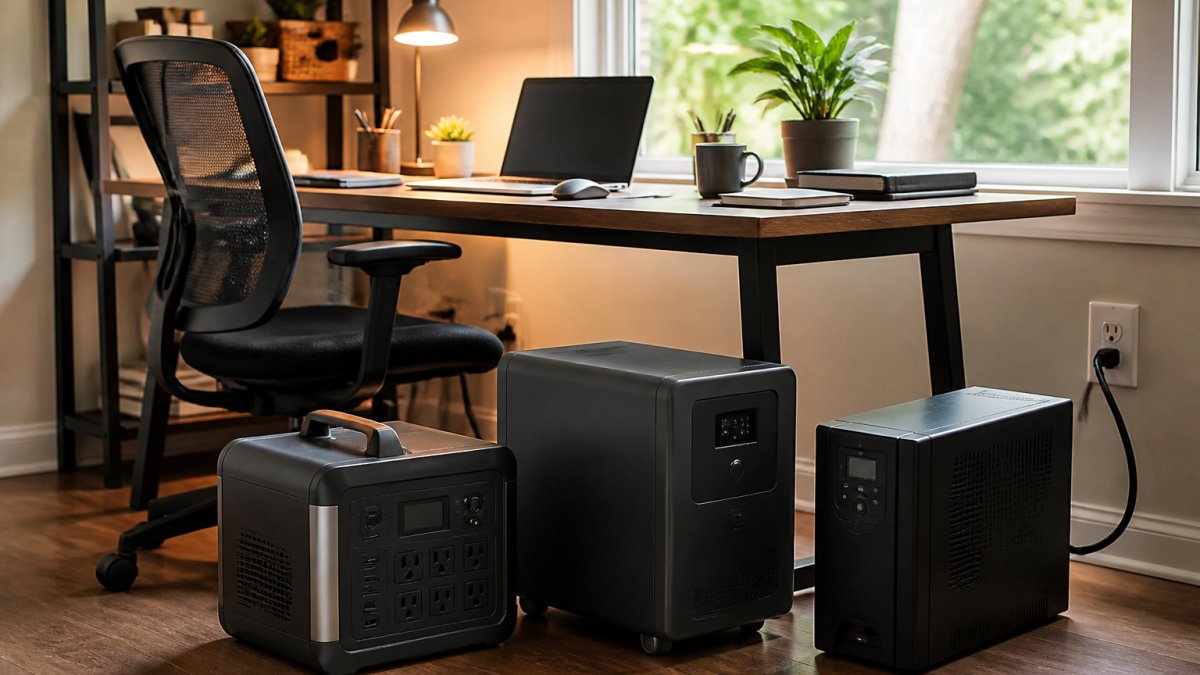
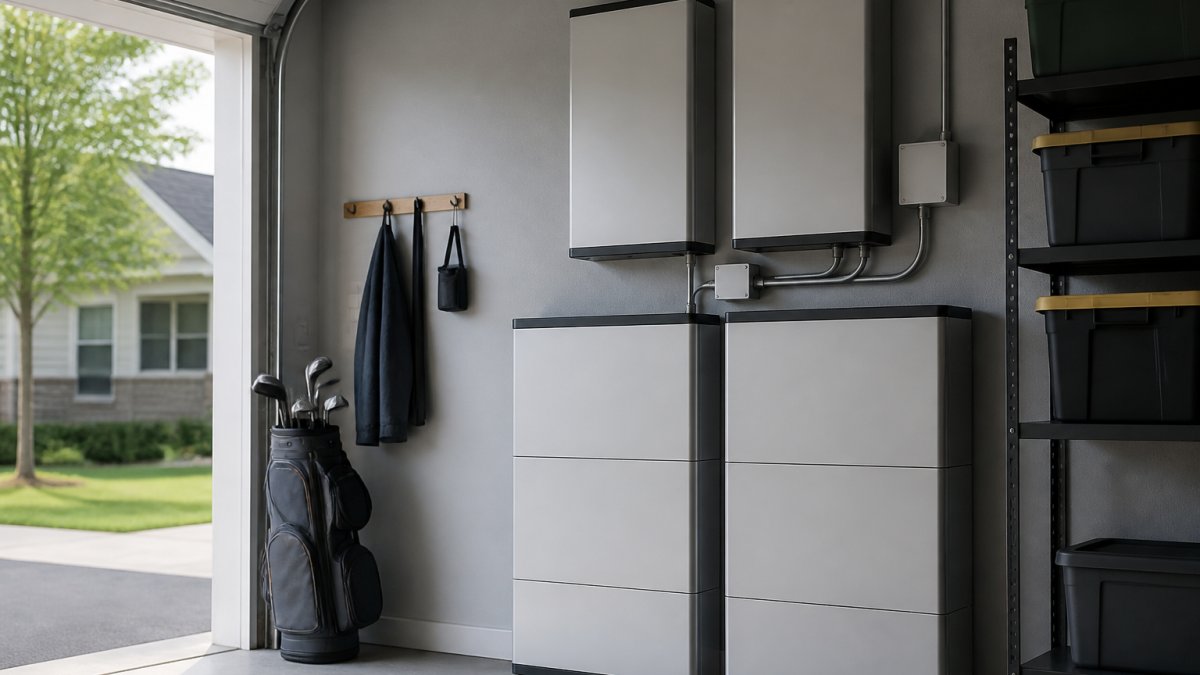
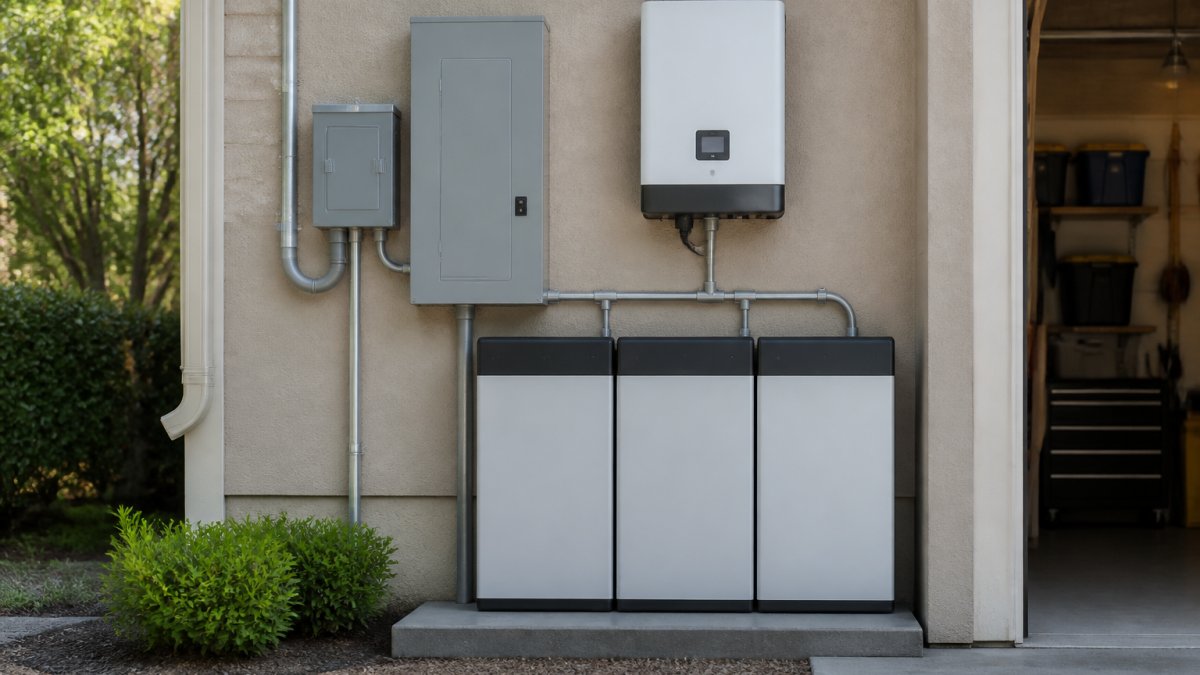
 listicle
Best Home Battery Backup Systems: 2026 Buyer's Guide
Last Updated: October 23, 2026
Quick Summary
The best home battery backup systems in 2026 depend on how much power your house pulls and how long you need it to run, so no single battery wins for every home. Match the battery to your critical loads first, then size capacity, because a system too small for your HVAC will fail you on the coldest night.
- The Tesla Powerwall 3 is listed at $12,000 with a 10-year warranty, excluding installation.
- The Anker SOLIX E10 starts at $4,299 and includes both battery storage and an inverter.
- The EcoFlow DELTA Pro Ultra with Smart Home Panel 2 is listed at $7,499 in a ZDNET review.
- A remote worker keeping router, laptop, lights, and refrigerator running for a day needs near 5-11 kWh.
- Whole-home backup with central AC usually requires two or more batteries in most homes.
Table of Contents
- Best Home Battery Backup Systems at a Glance
- 1. Tesla Powerwall 3: Best Whole-Home Pick
- 2. EcoFlow DELTA Pro Ultra: Best Modular System
- 3. Anker SOLIX E10: Best Value Whole-Home Kit
- 4. Enphase IQ Battery 5P: Best for Solar Integration
- 5. FranklinWH aPower 2: Best for High Peak Power
- 6. MidNite Solar Powerflo 16: Best for High Capacity
- How Much Home Battery Backup Capacity Do You Need?
- Home Battery Backup Installation: Permits, Panels, and Transfer Switches
- Home Battery Backup Cost: What Drives the Price
- Frequently Asked Questions
Best Home Battery Backup Systems at a Glance
The best home battery backup systems in 2026 come down to how much power your house pulls and how long you need it to run.
Below, we break down six home battery backup options, what each does well, where it falls short, and what the spec sheet will not tell you about keeping your heat pump running through an ice storm.
Quick Comparison Table
| System | Best For | Starting Price | Standout Feature |
|---|---|---|---|
| Tesla Powerwall 3 | Whole-home backup | $12,000 | Built-in inverter |
| EcoFlow DELTA Pro Ultra | Modular systems | Varies by configuration | Smart Home Panel 2 option |
| Anker SOLIX E10 | Value whole-home kit | $4,299 | Battery and inverter included |
| Enphase IQ Battery 5P | Solar integration | Contact for pricing | Solar-first design |
| FranklinWH aPower 2 | High peak power | Contact for pricing | High surge output |
| MidNite Solar Powerflo 16 | High capacity | Contact for pricing | Large single-unit storage |
1. Tesla Powerwall 3: Best Whole-Home Pick
The Powerwall 3 is the system we recommend most often when a homeowner wants one clean unit that handles the whole house. A ZDNET home battery roundup lists it at $12,000 with a 10-year warranty.
That price is the unit, not the installed cost. Budget for labor, permitting, and any panel upgrades on top.
Pros:
- Integrated inverter reduces extra hardware
- Strong whole-home backup capability
- 10-year warranty reported in current coverage
Cons:
- Listed price excludes installation
- Availability and lead times vary by region
If the Powerwall is on your shortlist, get top backup generators in Nashville through our team.
2. EcoFlow DELTA Pro Ultra: Best Modular System
Modularity is the reason to look at the EcoFlow DELTA Pro Ultra. A ZDNET whole-home backup review lists the EcoFlow DPU with the Smart Home Panel 2 at $7,499.
The tradeoff is configuration: total cost and installation complexity climb with each battery you add. Get a written quote for the exact configuration you want, not the base unit.
Pros:
- Expandable capacity as needs change
- Smart home panel enables automatic backup switching
- Part of a full whole-home product range
Cons:
- Price varies widely by configuration
- Total cost depends heavily on installation scope
If the EcoFlow system is on your shortlist, speak with a local installer about the Smart Home Panel 2 setup before you buy.
3. Anker SOLIX E10: Best Value Whole-Home Kit
Value is the headline for the Anker SOLIX E10. Systems start at $4,299, including both battery storage and an inverter, rare at this end of the market.
Where it falls short: the starting price reflects a base configuration, and the supplied coverage does not spell out installation costs or exactly what the base kit includes.
Pros:
- Battery and inverter included at the starting price
- Manual backup kits available
- Lower entry cost than most whole-home systems
Cons:
- Base configuration details need verification
- Installation cost not included in the listed price
Readers interested in Anker's whole-home kit should request a quote from an authorized installer to see the full installed price for their home.
4. Enphase IQ Battery 5P: Best for Solar Integration
Solar integration is where the Enphase IQ Battery 5P earns its place. It suits homeowners who have panels or plan to add them, storing daytime solar production and releasing it at night or during an outage.
The supplied coverage does not include capacity, output, or warranty figures for this unit, so ask your installer for the current spec sheet. Pricing is quote-based.
Pros:
- Designed around solar self-consumption
- Fits homes planning a solar-plus-storage setup
- Strong fit for energy independence goals
Cons:
- Specs and pricing require a direct quote
- Best value comes with existing or planned solar
5. FranklinWH aPower 2: Best for High Peak Power
Peak power matters when appliances draw a big surge at startup, and the FranklinWH aPower 2 is the pick for that job. Its high peak power helps when a central AC or well pump kicks on, surge capacity keeps breakers from tripping during an outage.
The supplied data does not state its peak-power rating or price, so confirm both with your installer.
Take our 60-second quiz for a free quote today! →
Pros:
- Highlighted for high peak power
- Handles large startup surges better than lower-output units
- Good fit for homes with big motor loads
Cons:
- Peak-power figure and price not published in supplied data
- Requires a quote for accurate comparison
6. MidNite Solar Powerflo 16: Best for High Capacity
Capacity is the reason to consider the MidNite Solar Powerflo 16. It is listed as a high-capacity option, which suits larger homes or families that want longer backup duration before the grid returns.
The supplied data does not state its capacity figure or price. Treat it as a candidate to quote, not a spec you can assume.
Pros:
- Positioned for higher storage capacity
- Suits larger homes and longer outages
- Single-unit design simplifies some installs
Cons:
- Capacity and price require confirmation
- Larger units need adequate wall space and siting
How Much Home Battery Backup Capacity Do You Need?
Home battery backup capacity is the usable energy a system stores, measured in kilowatt-hours (kWh), and it determines how long your home runs during an outage. Sizing means matching three limits, usable energy, continuous power output, and surge output, to the loads you actually want to keep alive. Balancing these technical specifications against your specific household consumption patterns is the most effective way to optimize your home battery ROI as you evaluate the long-term financial implications of your installation.
Step 1: Separate nameplate capacity from usable capacity
Most lithium-ion home batteries are not discharged to zero; manufacturers reserve capacity to protect the cells, so two units with the same nameplate can deliver different usable kWh. Always size against usable kWh, if a spec sheet lists only total capacity, ask for the usable figure and depth-of-discharge limit before comparing systems.
Step 2: Build a critical-load list with real wattage
Start with the circuits you refuse to lose. Running watts below are typical ranges, so check the label on each appliance:
| Load | Typical running watts | Hours you want | kWh needed |
|---|---|---|---|
| Refrigerator (cycling) | 150-400 | 24 | 3.6-9.6 |
| Furnace blower (gas heat) | 300-800 | 12 | 3.6-9.6 |
| Central AC (3-ton) | 3,000-4,000 | 8 | 24-32 |
| Well pump | 750-1,500 | 4 | 3-6 |
| Sump pump | 800-1,200 | 8 | 6.4-9.6 |
| Internet router + modem | 15-30 | 24 | 0.4-0.7 |
| Laptop | 50-100 | 8 | 0.4-0.8 |
| LED lighting (10 bulbs) | 80-120 | 6 | 0.5-0.7 |
| Microwave | 1,000-1,500 | 0.5 | 0.5-0.75 |
| Medical device (CPAP) | 30-60 | 8 | 0.24-0.48 |
Add the kWh column for the loads you truly need. A remote worker keeping router, laptop, lights, and refrigerator running for a day lands near 5-11 kWh. A family that also wants central AC for eight hours jumps to 29-43 kWh, which is why whole-home backup with air conditioning requires two or more batteries in most homes.
Step 3: Check power output, not just energy
A battery can hold enough kWh and still trip offline when a big motor starts. Continuous output (kW) must exceed the sum of running loads, and surge output must cover startup current, two to three times running watts for a few seconds on a central AC compressor or well pump. If your installer quotes only kWh, ask for continuous kW and surge kW for the exact model.
Step 4: Account for conditions that shrink runtime
Real-world runtime falls short of the math for predictable reasons:
- Temperature. Lithium batteries lose usable capacity in cold conditions; a unit in an unheated garage in January delivers less than its rated kWh.
- Depth of discharge and reserve. Systems hold back capacity to protect the cells and keep the grid-tied inverter alive.
- Inverter efficiency. Conversion losses of roughly 5-10% are typical, so plan on delivering less than you stored.
Step 5: Size for your largest realistic outage
A common pattern is to size for the longest outage you have seen in the past five years, then add one battery of headroom if the budget allows. In Middle Tennessee, ice storms and summer thunderstorms can stretch outages longer than most homeowners expect. For pricing, see our breakdown of the cost of whole home battery storage, and for runtime, read how long a home battery lasts during an outage.
Home Battery Backup Installation: Permits, Panels, and Transfer Switches
Home battery backup installation involves more than hanging a unit on the wall.
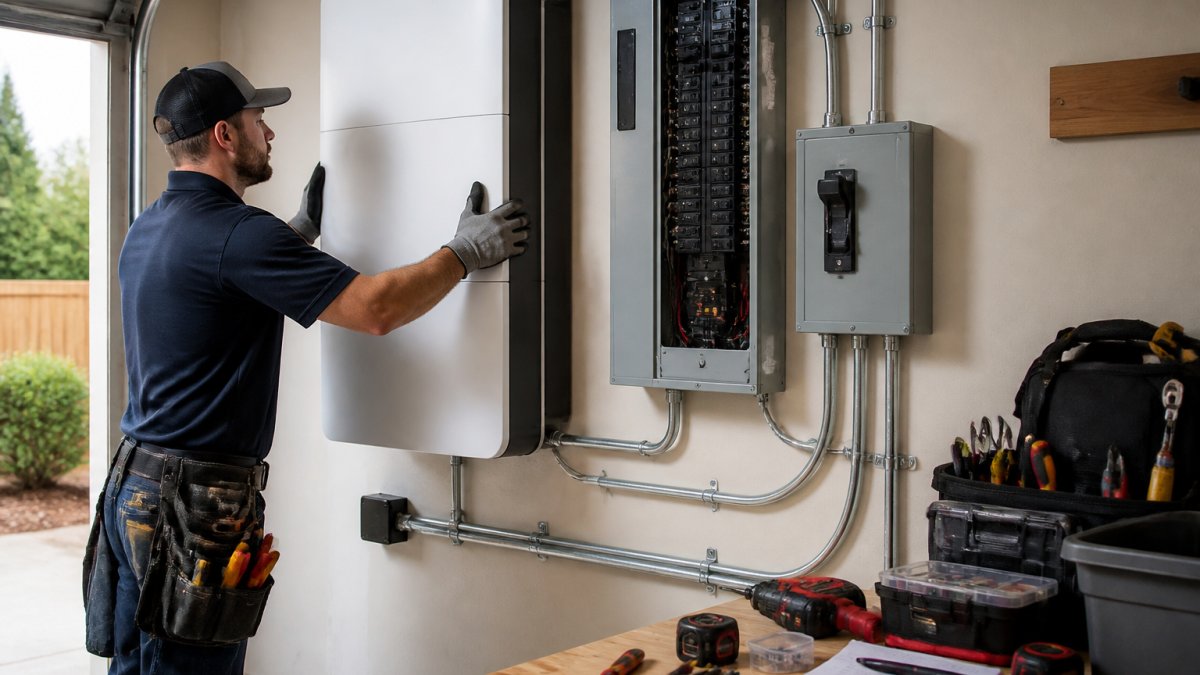
A battery wired wrong can backfeed the grid and endanger line workers, which is why licensed electrical work and proper permits are non-negotiable.
Home Battery Backup Cost: What Drives the Price
Home battery backup cost depends on four things: the battery itself, the inverter or smart panel, installation labor, and any electrical upgrades your home needs. The sticker price you see online is rarely the installed price, and comparing on sticker price alone is the most common way homeowners overpay.
Build a like-for-like installed cost
Use the same five-line worksheet for every quote you collect:
| Cost line | What it covers | Typical range to expect |
|---|---|---|
| Equipment | Battery, inverter or smart panel, transfer equipment | Varies by system; see picks above |
| Labor | Licensed electrician, mounting, wiring, commissioning | Often a meaningful share of the total |
| Electrical upgrades | Panel upgrade, service upgrade, subpanel, conduit runs | Highly site-specific |
| Permitting and inspection | Local permit fees, plan review, inspection | Varies by jurisdiction |
| Contingency | Unforeseen panel or wiring issues found on site | Ask the installer how they handle it |
The systems above range from a $4,299 starting point for the Anker SOLIX E10 to $12,000 for the Tesla Powerwall 3 before installation. Add labor, permitting, and potential panel work to each, a whole-home system with a smart panel carries more installation scope than a single-unit essential-load setup. The only reliable number is a written quote for your home that itemizes all five lines.
Compare cost of ownership, not just purchase price
Two systems with similar installed prices can cost very different amounts over 10-15 years. Compare:
- Warranty term and throughput. A 10-year warranty means little if the fine print caps total energy throughput below what your household will cycle. Ask for warranted throughput in megawatt-hours (MWh).
- Cycle life and retained capacity. A pack rated to retain more of its original capacity at year 10 is worth more than a cheaper pack that fades faster.
- Expandability. A modular system lets you add capacity later without replacing the inverter or panel, but only if the platform stays compatible, so confirm the expansion roadmap first.
Questions to ask before you sign
- Is installation included in this price, and what exactly does it cover?
- Does the quote cover permitting, plan review, and inspection fees?
- Are panel or service upgrades needed, and at what cost?
We give homeowners a free, personalized quote. Take our 60-second quiz to get started.
Frequently Asked Questions
How long can a home battery backup power a house?
It depends on usable capacity and what you keep running. A single 10-13.5 kWh battery typically covers essential loads like a refrigerator, lights, internet, and a few outlets for most of a day. Add HVAC or a well pump and runtime drops to a few hours. Whole-home backup usually needs two or more batteries or a modular system you can expand. Size your system around critical circuits first, then add capacity if you want longer outage coverage.
Can a home battery backup run central air conditioning?
Often yes, but the inverter and surge power matter more than capacity alone. Central AC draws a large startup surge, so you need a system rated for that peak. High-peak-power units like the FranklinWH aPower 2 are built for this. If your system can't handle the surge, a soft-start kit or a dedicated essential-loads panel that excludes the AC is the safer route. An electrician can check your AC's locked rotor amps before you buy.
What size home battery backup system do I need?
Start with your critical loads. Add up the watt-hours for the refrigerator, lights, internet, phone charging, and medical equipment, then multiply by the hours you want to cover. A typical essential-loads setup lands around 10-15 kWh of usable capacity. If you want whole-home backup with HVAC, plan on 20-30 kWh or an expandable modular system. A load calculation from a licensed installer beats guessing from a product spec sheet.
Are home battery backup systems worth the cost?
For homeowners facing frequent or long outages, they usually are. You get outage protection, quiet operation with no fuel, and the ability to store solar production for evening use. Costs vary widely by capacity and installation complexity, so get a written quote rather than relying on list prices, which often exclude labor, permits, and panel work. If outages are rare and short, a portable power station may cover your needs for far less.
Do I need a transfer switch for a home battery backup?
Yes for any hardwired system. A transfer switch or smart home panel disconnects your home from the grid during an outage so the battery can power your circuits safely without backfeeding the utility line. Whole-home systems use a service-rated transfer switch; essential-loads setups use a smaller subpanel. The switch is also where many permitting requirements apply, so confirm your installer is pulling the right permits before work starts.